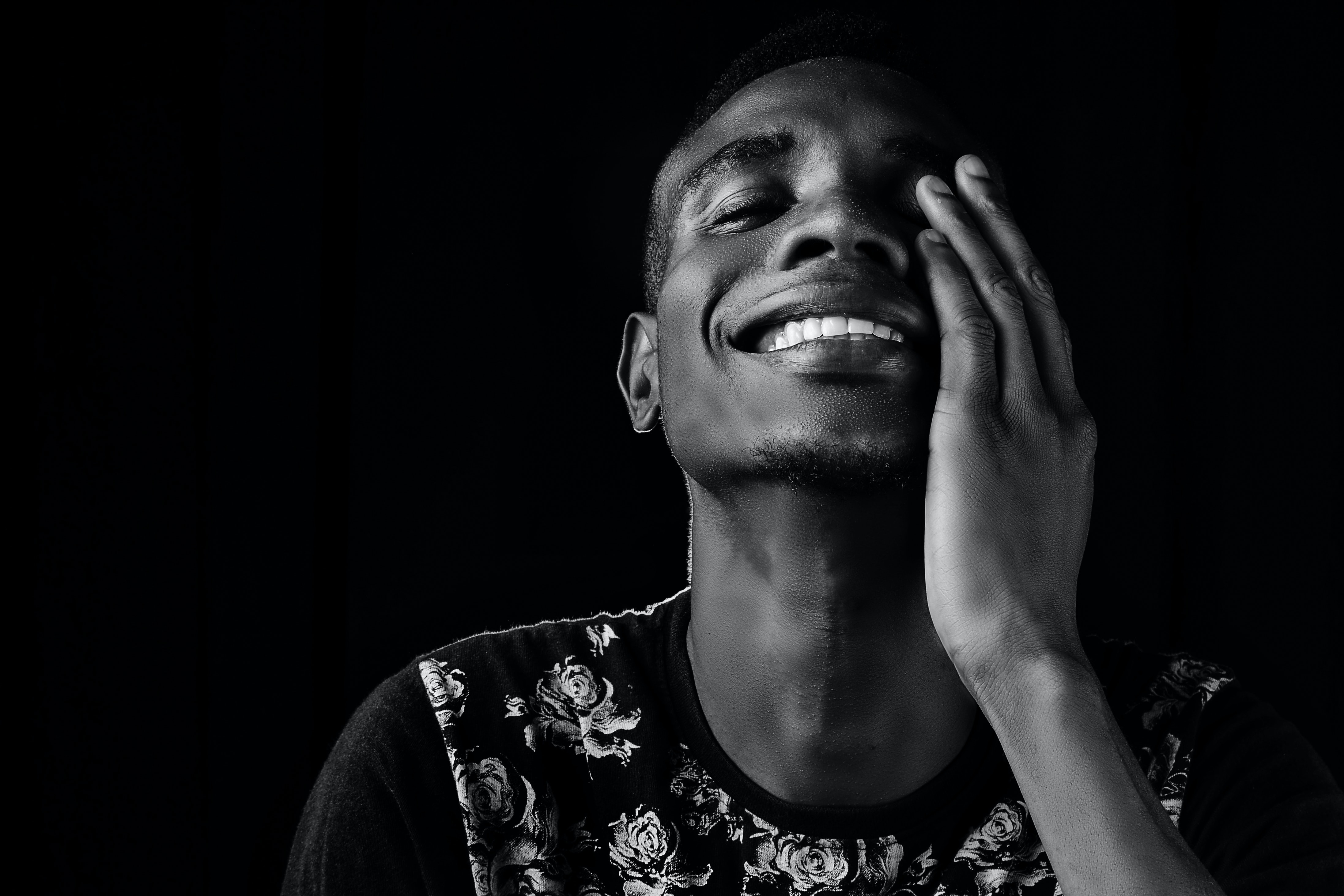
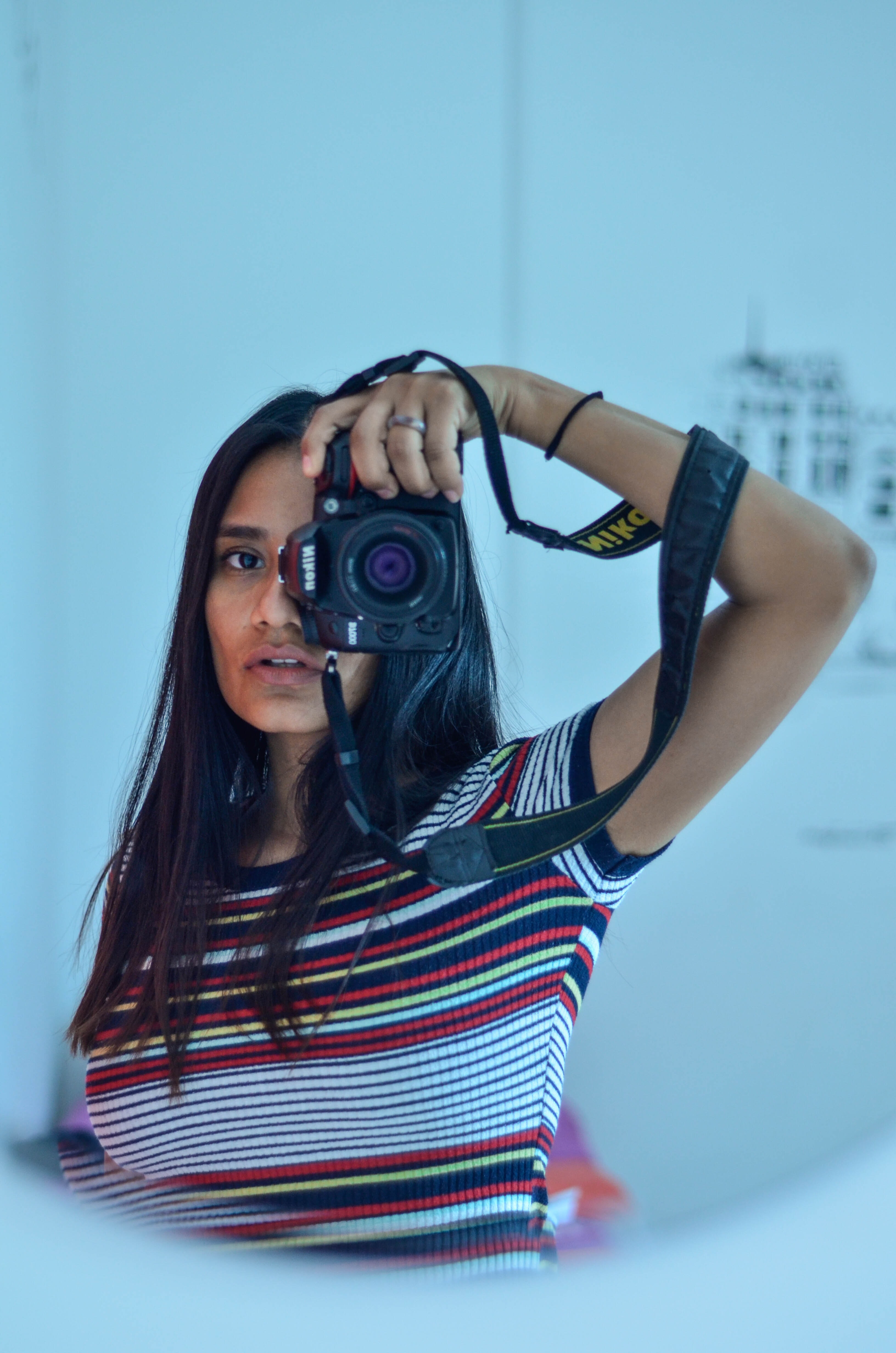
Example Image with Text
Use this Image with Text block to balance out your text content with a complementary visual to strengthen messaging and help your students connect with your product, course, or coaching. You can introduce yourself with a profile picture and author bio, showcase a student testimonial with their smiling face, or highlight an experience with a screenshot.
Example Text
Use this Text block to tell your course or coaching’s story.
Write anything from one-liners to detailed paragraphs that tell your visitors more about what you’re selling.
This block - along with other blocks that contain text content - supports various text formatting such as header sizes, font styles, alignment, ordered and unordered lists, hyperlinks and colors.
Example Title
Use this block to showcase testimonials, features, categories, or more. Each column has its own individual text field. You can also leave the text blank to have it display nothing and just showcase an image.

Example Title
Use this block to showcase testimonials, features, categories, or more. Each column has its own individual text field. You can also leave the text blank to have it display nothing and just showcase an image.
Example Title
Use this block to showcase testimonials, features, categories, or more. Each column has its own individual text field. You can also leave the text blank to have it display nothing and just showcase an image.
Example Curriculum
- L1 - Getting Started with Unreal Engine 5.3 (14:46)
- L2 - Building Your First Virtual Set (12:37)
- L3 - Fundamentals of Virtual Lighting (6:26)
- L4 - Advanced Lighting (10:18)
- L5 - Fundamentals of the Virtual Camera (12:52)
- L6 - Creating Atmosphere with Haze Effects (5:30)
- Discussion Forum - Final Thoughts
- L1 - Crafting Day Exteriors with Sun and Sky in Unreal (14:09)
- L2 - Utilising HDRIs for Dynamic Exterior Lighting (6:23)
- L3 - Intro to Lighting an Interior Scene (19:09)
- L4 - Unreal engine lights - The Point Light (9:24)
- L5 - Unreal engine lights - Spot Lights (7:33)
- L6 - Unreal engine lights - Rect Lights (7:20)
- L7 - Interior Scene Lighting: Practical Applications (7:55)
- L8 - Replicating Real-World Lighting Fixtures in Unreal Engine (16:50)
- L9 - Wrapping Up Virtual Lighting: Techniques and Applications (2:02)
- Discussion Forum - Final Thoughts
- L1 - Camera Basics in Unreal Engine (14:18)
- L2 - Opening the Grip Truck - Tracks and Cranes in Unreal (9:37)
- L3 - Introduction to Sequencer (9:02)
- L4 - Animating Camera Movement (4:00)
- L5 - Cutting Between Cameras (5:14)
- L6 - Subsequences and Animation in Sequencer (10:03)
- Discussion Forum - Final Thoughts
- L1 - Initiating the Final Scene: Organisation and Planning (6:41)
- L2 - Crafting Scene Blocking in Sequencer (17:36)
- L3 - Advanced Character Animation and Blocking (8:35)
- L4 - Integrating MetaHumans for Detailed Characters (10:09)
- L5 - Constructing a Scene with Detailed Camera Work (6:46)
- L6 - Cinematic Camera Setup and Shot Composition in Sequencer (13:41)
- L7 - Enhancing Scenes with Camera Dynamics (13:09)
- Discussion Forum - Final Thoughts
- L1 - Dynamic Lighting Setups (2:14)
- L2 - Creating Atmospheric Night Lighting for Cinematic Scenes (7:52)
- L3 - Adding Practical Lighting Elements and Film Lights to Enhance Scene Ambiance (9:58)
- L4 - Shot-by-Shot Lighting Setup and Adjustment (7:19)
- L5 - Organising Lighting (3:37)
- L6 - Lighting Sequencing (9:17)
- L7 - Fine-Tuning Lighting for each character (9:22)
- L8 - Rendering and Final Touches in Unreal Engine (8:42)
- Discussion Forum - Final Thoughts
Example Image with Text
Use this Image with Text block to balance out your text content with a complementary visual to strengthen messaging and help your students connect with your product, course, or coaching. You can introduce yourself with a profile picture and author bio, showcase a student testimonial with their smiling face, or highlight an experience with a screenshot.
Example Featured Products
Showcase other available courses, bundles, and coaching products you’re selling with the Featured Products block to provide alternatives to visitors who may not be interested in this specific product.